
Mac performance and fan control
When your Mac slows down, look beyond a single percentage. Compare processor load, memory pressure, temperature and power together. Stats connects compact menu bar readings to a detailed performance window.
Open the interactive product view ↗The pulse of your Mac.With real metrics.
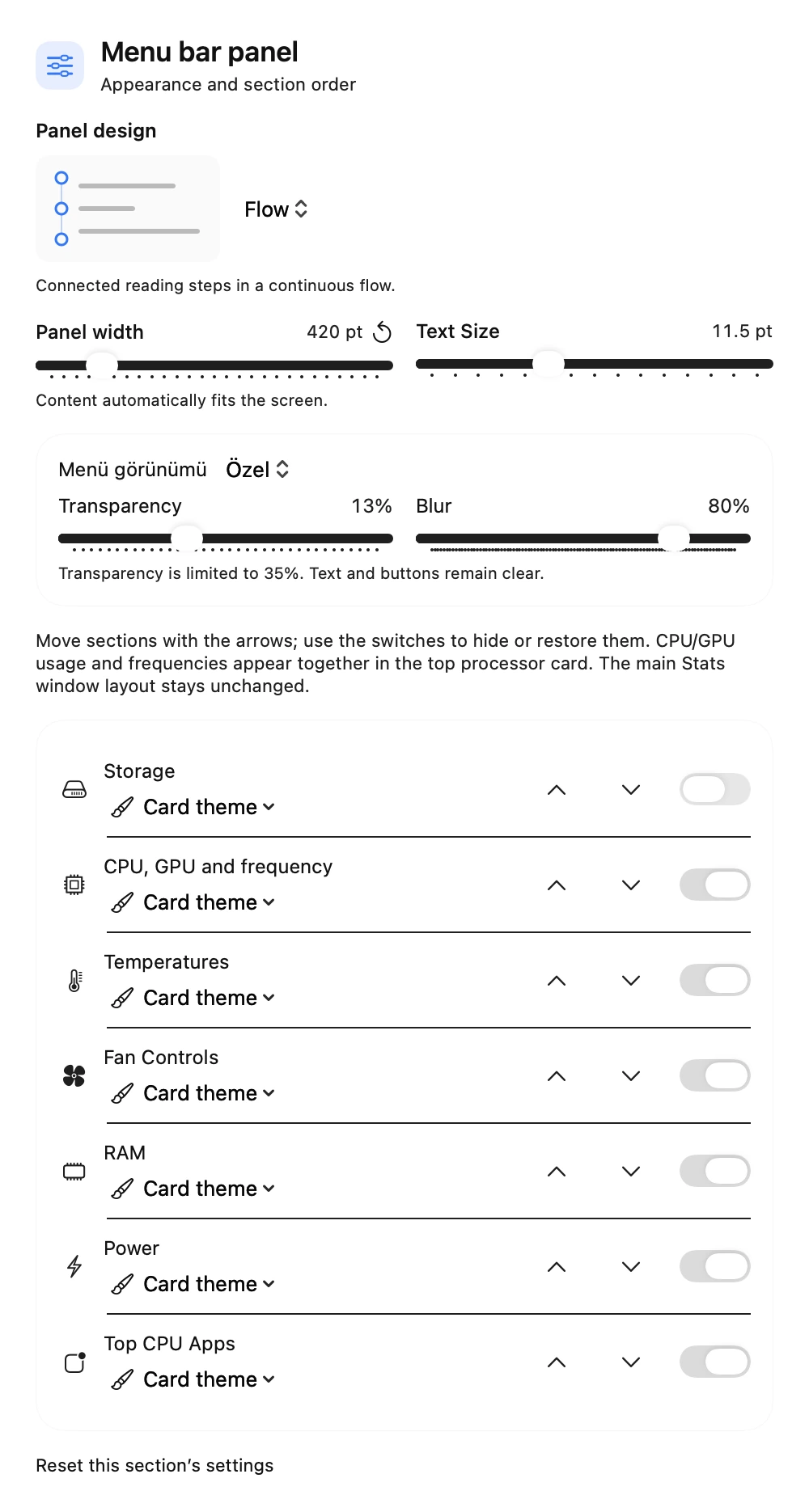
Monitor CPU, RAM, GPU, temperature, frequency, power, fan speed, and storage in the menu bar. Tap to switch to a detailed performance view.
Adjust fans according to your needs.
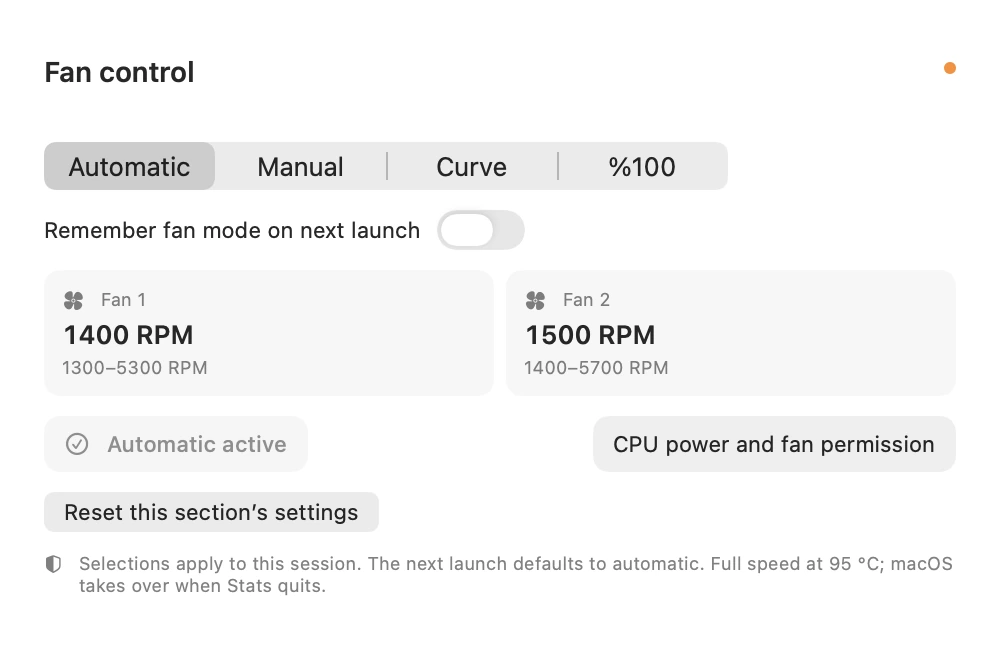
In Direct mode, access fan control options and circuit-related settings on supported Macs. Advanced power and fan features may require additional helper components and macOS approval.
Compare a slowdown with the same workload
Run the same operation on the same sample file twice. Compare CPU, memory pressure, temperature and power before and during the task. Consider duration and other running apps instead of one high percentage. The menu bar offers a quick glance; Performance offers detailed comparison.
Where do fan controls and quick settings open?
Open Quick Settings and Performance from the Stats menu bar panel. On a supported installation, Fan Control opens the fan options. Check the current mode before using automatic, manual or curve options. Macs have different fans and sensors; higher fan speed does not solve every performance problem.
How to use it
- Open Stats from the menu bar and review memory, CPU and temperature together.
- Use Performance to inspect charts over time and relevant processes; compare the same workload.
- On a supported Direct installation, open Fan Control. Review the mode and fan synchronisation; return to automatic operation when appropriate.
Scope and considerations
Fan control is not available on every Mac. It depends on hardware, the helper and macOS approval. Metrics vary by system; one reading is not a hardware fault diagnosis.
Questions and answers
Is Stats included in the full package?
Yes. Full FilePilot includes Stats. A standalone Stats product is also planned for people who only need monitoring.
Why might fan controls be missing?
Check the Mac model, Direct edition, helper status and required permissions. Sensor and fan controls vary between devices.