A next step informed by content
Use image and document understanding, text tools and naming suggestions in one product. Available actions depend on the file type and active model.
 FilePilot.
 EVERY FEATURE
The complete FilePilot experience. Every standalone tool and much more.
macOS 26 or later · Apple Silicon (M series). Windows and Intel Macs are not supported.
14-day free trial
Web illustration of the interface · Does not access your files or apps.
Use image and document understanding, text tools and naming suggestions in one product. Available actions depend on the file type and active model.
Product profiles distinguish images, PDFs, video, audio, 3D/CAD, vector, design, office documents, folders, applications and mixed selections. Image batches and PDF batches have separate contexts too.
Copy the link, select subpages, and watch the archiving process unfold. Open the archive offline with its pages and downloadable resources.
File contents, file names, and folder structure inside the vault are encrypted. The vault is kept separate from local AI and normal file memory.
Open your favourites around the pointer. Keep different sets for work and everyday use, with brightness and volume within reach.
Interactive web illustration. No application is launched and your brightness or volume is not changed.
When FilePilot Screen is running, its brightness control is used. Otherwise App Circle uses macOS brightness.
Choose a glass theme, change the size, and add or reorder your own apps.
Keep separate application sets with their own shortcuts. Open a named group in one action.
Left for brightness, right for volume. Both controls can be switched off independently in settings.
Optional three- or four-finger taps can open and close App Circle. Configure the modifier key and sensitivity in settings.
Choose a design for each card. Keep the layout you like for CPU, memory, power and the other readings.
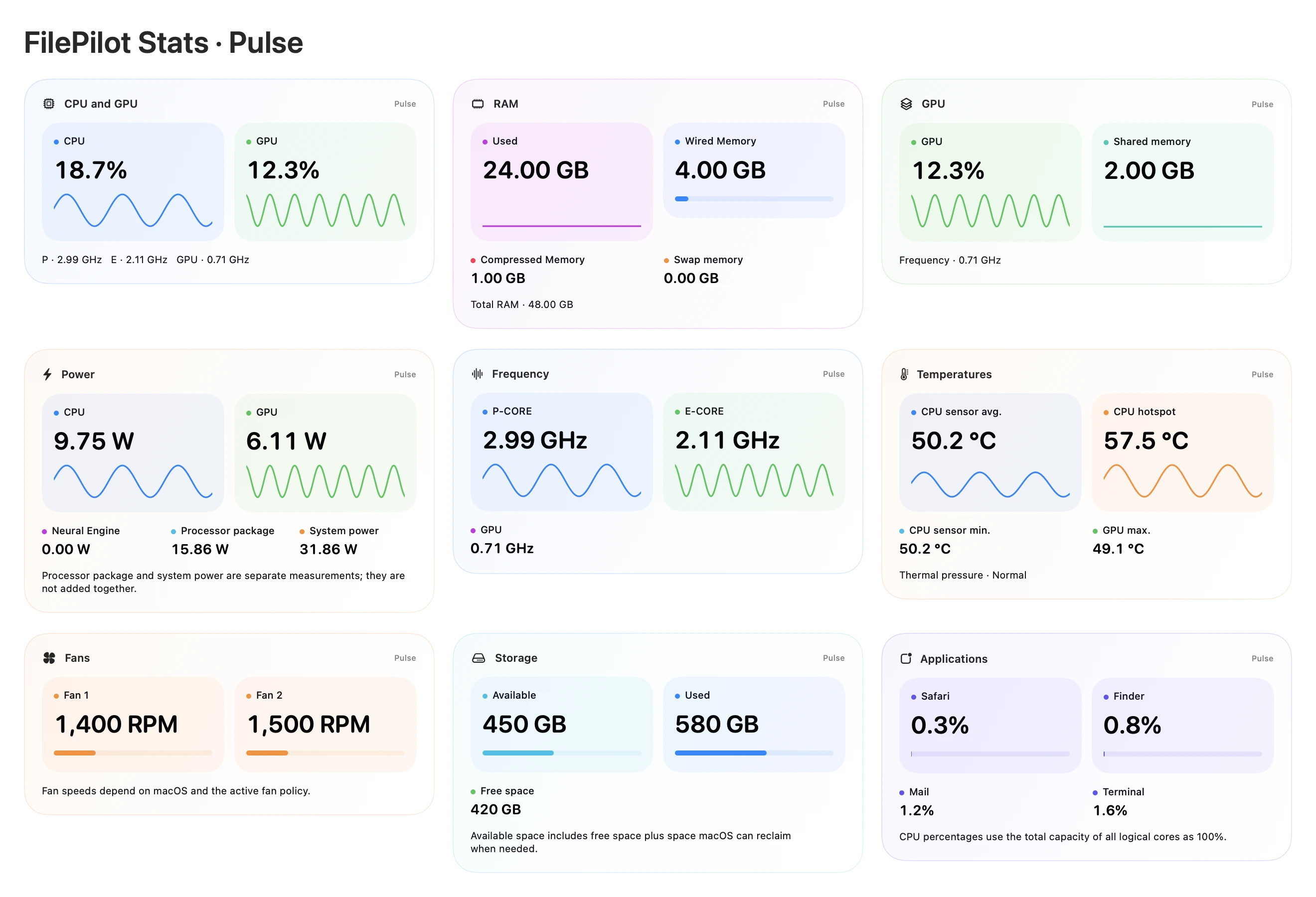
Also available inside FilePilot All Apps.
A clear window, a softly blurred wallpaper. Try three ways to switch.
Interactive illustration · Sample content. No access to your screen or files.
All Apps includes the features of all four standalone applications below, plus the rest of FilePilot.
Explore every feature ↗macOS 26 or later · Apple Silicon (M series). Windows and Intel Macs are not supported.
Each tool requests only the macOS permission it needs when used. Direct XDR compatibility, preview permissions and hardware-dependent sensor limits still apply to the full suite.


