The pulse of your Mac.With real metrics.
Monitor CPU, RAM, GPU, temperature, frequency, power, fan speed, and storage in the menu bar. Tap to switch to a detailed performance view.
 FilePilot.
Follow your Mac’s workload, temperature and power consumption.
macOS 26 or later · Apple Silicon (M series). Windows and Intel Macs are not supported.
7-day free trial
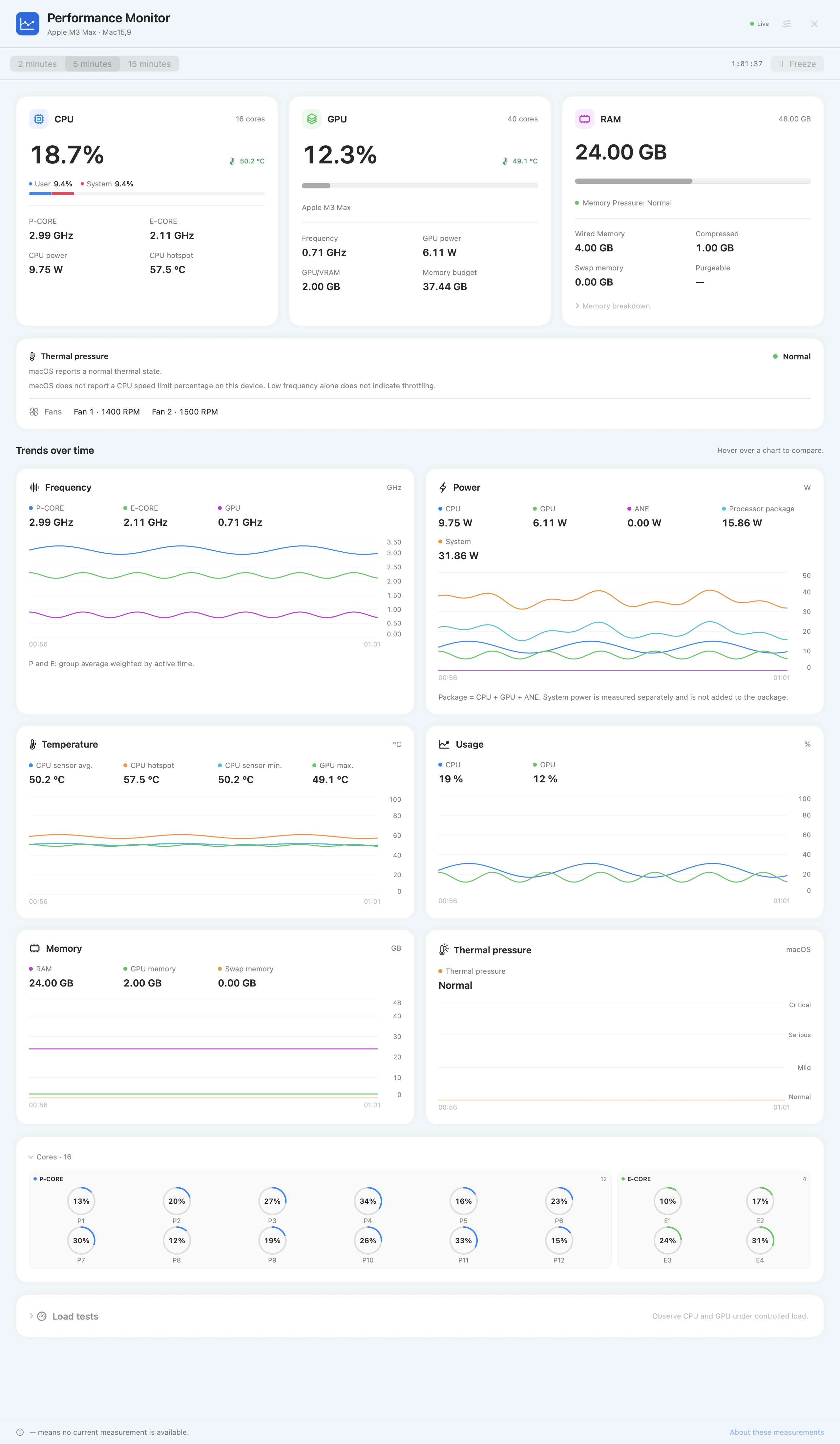
Monitor CPU, RAM, GPU, temperature, frequency, power, fan speed, and storage in the menu bar. Tap to switch to a detailed performance view.
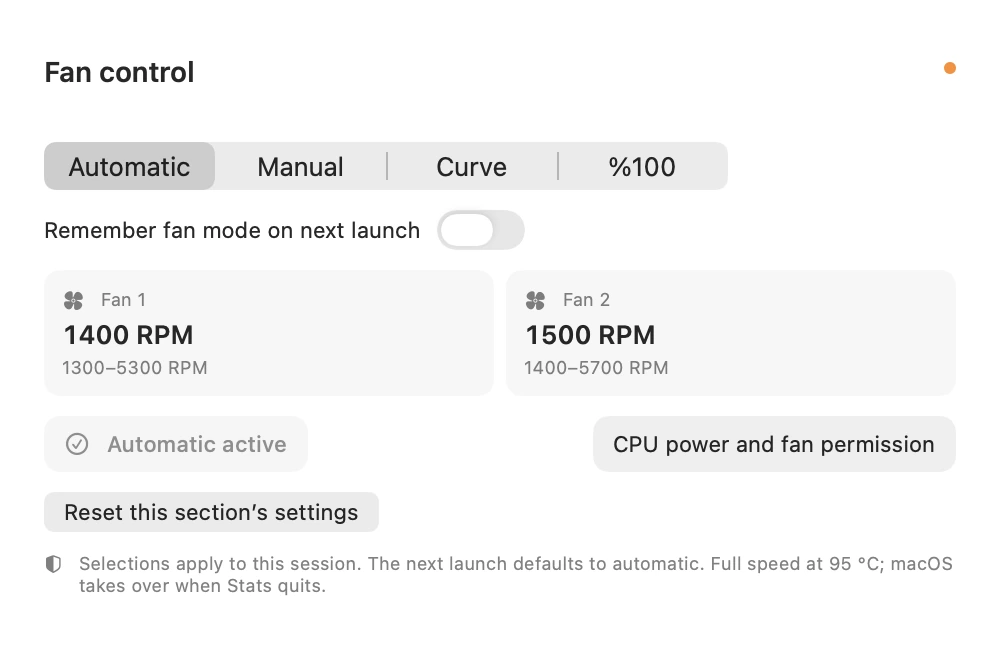
In Direct mode, access fan control options and circuit-related settings on supported Macs. Advanced power and fan features may require additional helper components and macOS approval.
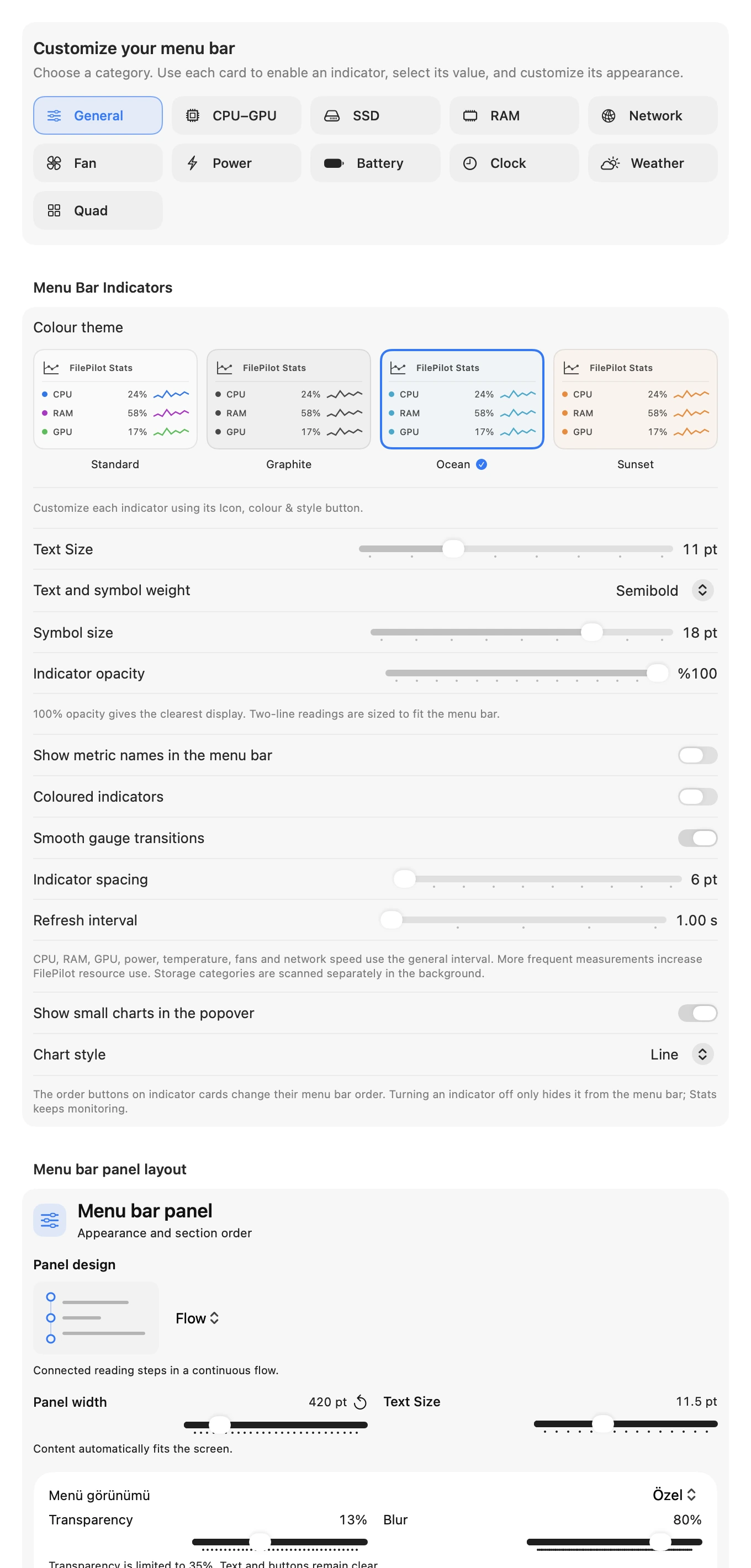
Choose a design for each card. Keep the layout you like for CPU, memory, power and the other readings.
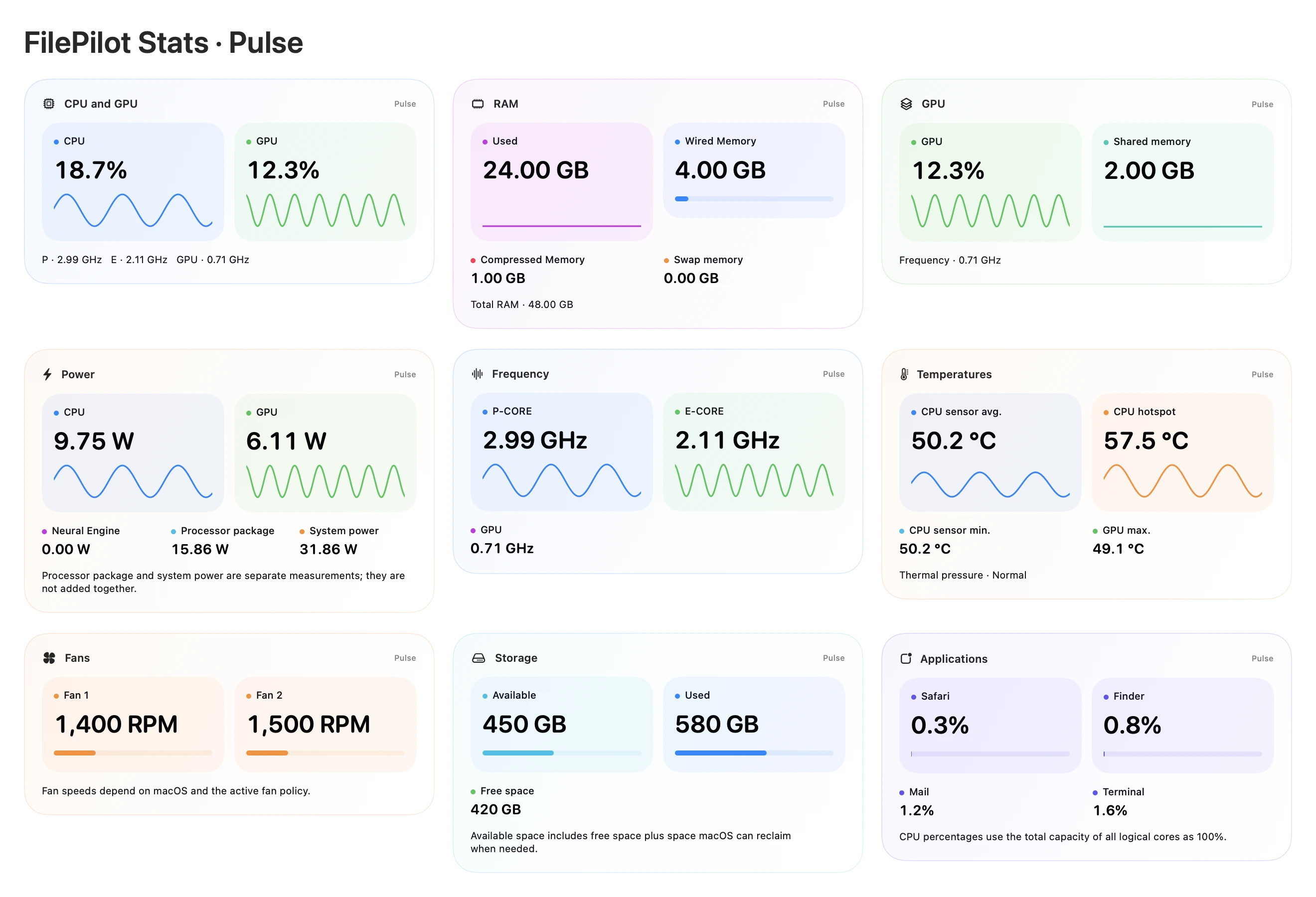
Also available inside FilePilot All Apps.
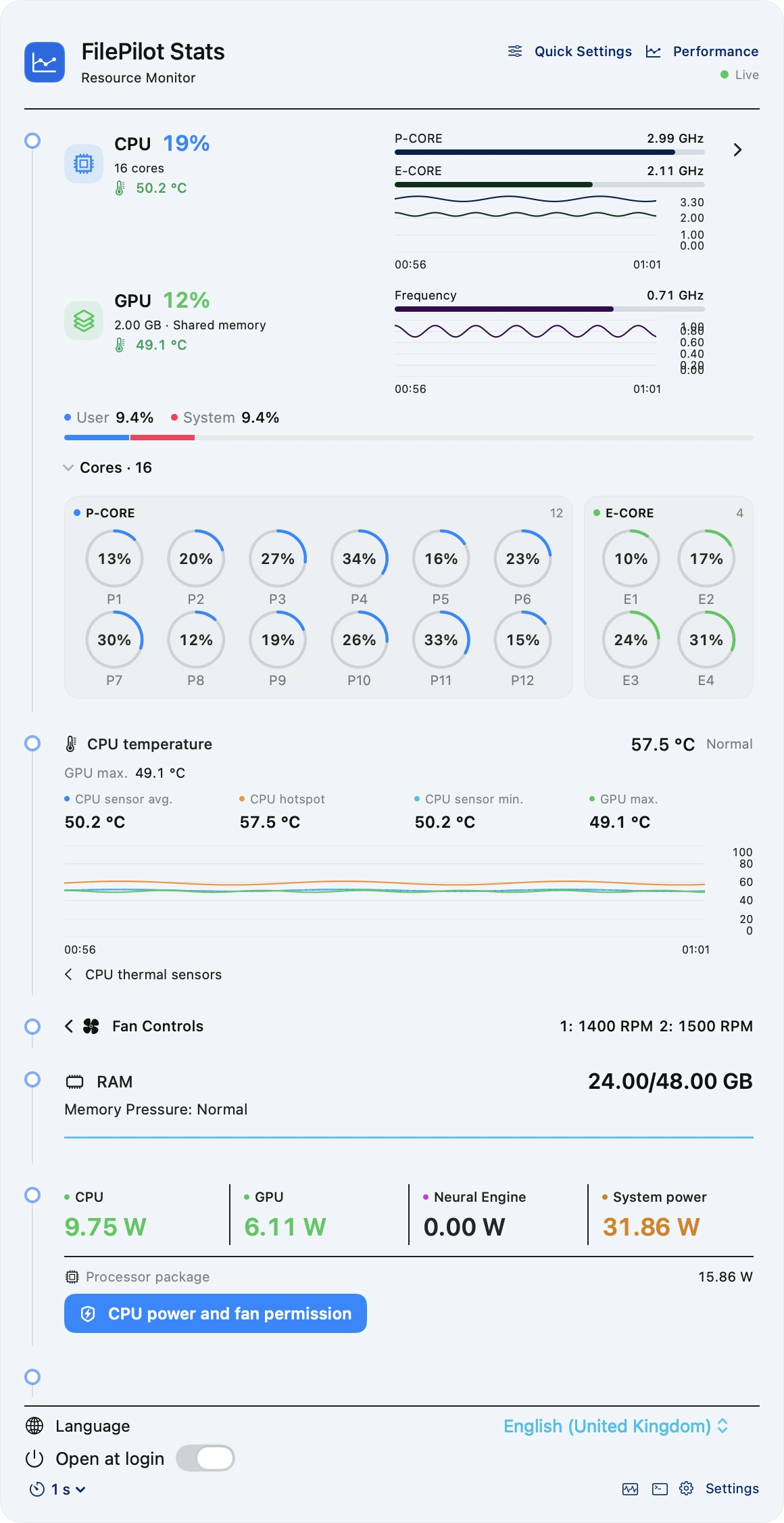
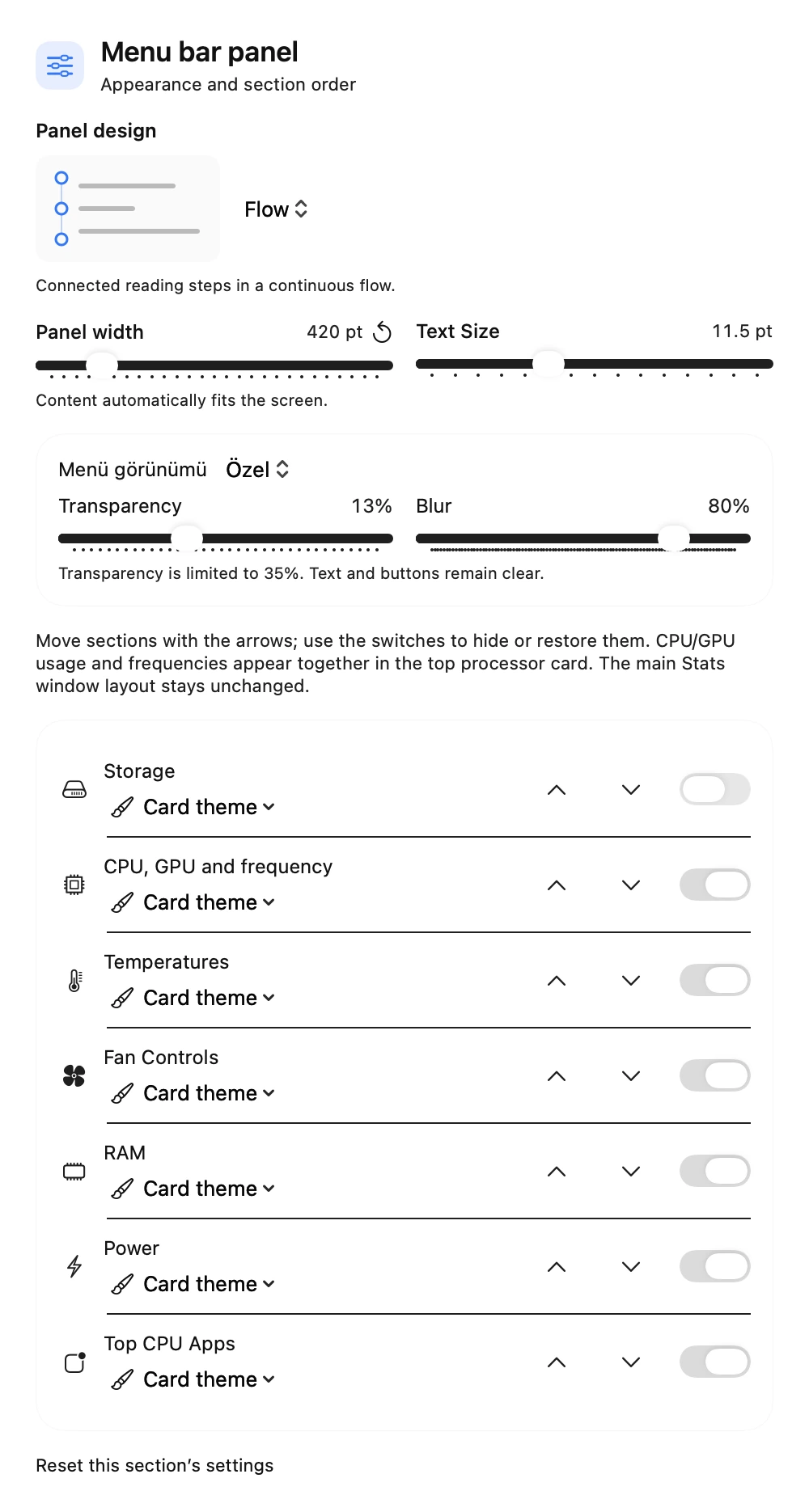
Runs independently with its own menu bar and settings. All Apps does not need to be installed.
Also included in an All Apps subscription. ↗
macOS 26 or later · Apple Silicon (M series). Windows and Intel Macs are not supported.
Measurements depend on hardware and macOS. Advanced power and fan controls need separate macOS administrator/background approval. Location is only for requested Wi-Fi and weather details. Missing data is never invented.
 FilePilot All Apps

